
Program
a real robot
Write programs in AdamStudio: start with Blockly visual blocks and move on to Python. Test your ideas through ADAM's movements, gestures and reactions.
AdamStudio / Blockly / Python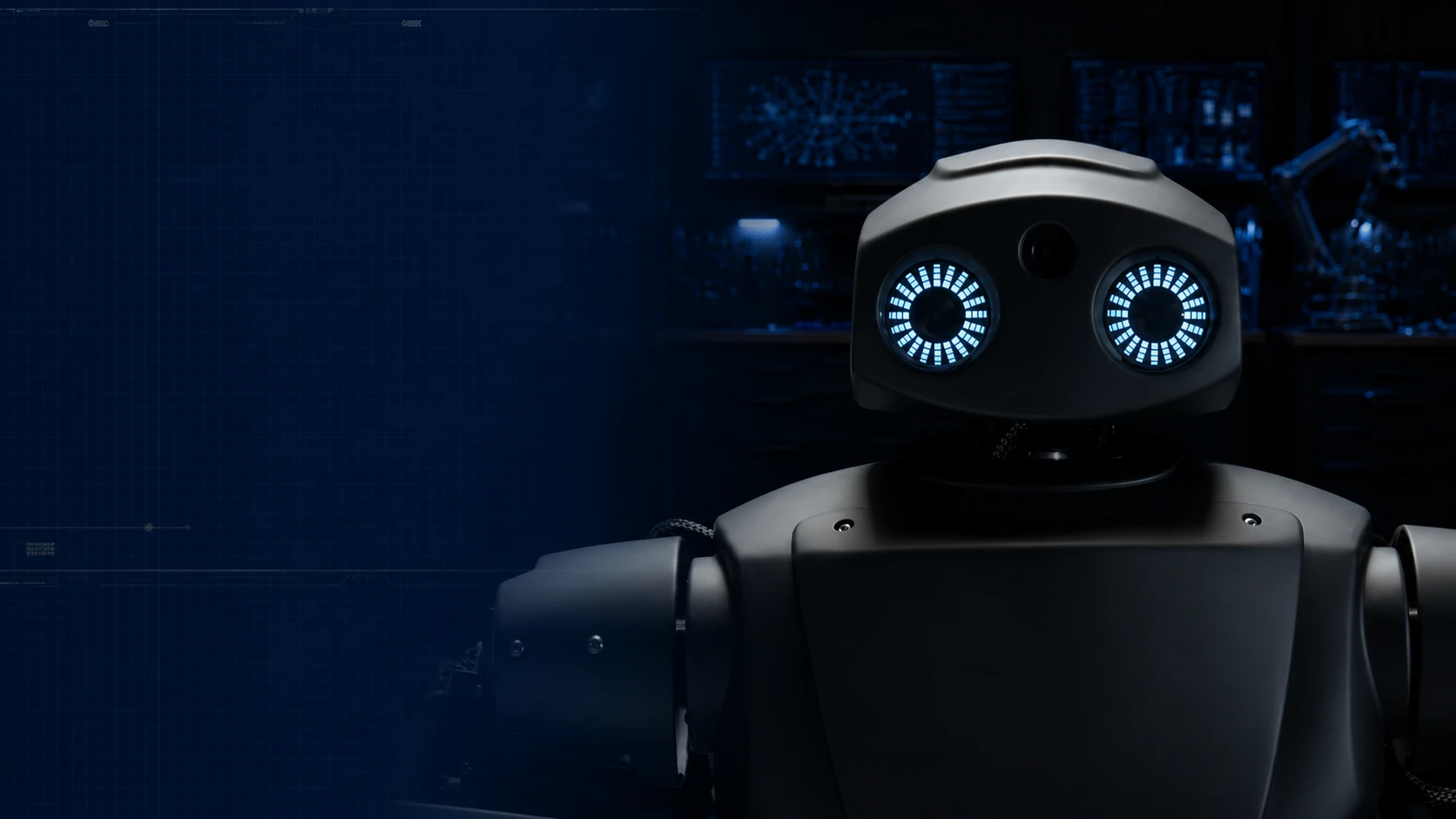
Made in Russia · Vladivostok
From a first program to a live conversation. A humanoid robot for education, exhibitions and presentations.
We tailor the configuration to your needs. Price on request.
Code. Motion. Conversation.
01 Capabilities
A student sees their code at work.
A visitor starts a conversation.
Your team builds the scenario.
Write programs in AdamStudio: start with Blockly visual blocks and move on to Python. Test your ideas through ADAM's movements, gestures and reactions.
AdamStudio / Blockly / PythonA Russian GPT model holds a conversation, answers questions and helps adapt the dialogue to the audience. The role, topics and answer style are configured for your use case.
Voice / artificial intelligenceShow your audience what teleoperation is: a VR system or an Xbox 360 controller lets an operator drive the robot live.
Quest 2/3 / Xbox 360Emotions on the display eyes, head and arm movements, gestures and audio make every demonstration expressive and memorable.
Movement / gestures / emotions* Battery life depends on the load. Features, number of degrees of freedom and AI services are confirmed when you choose a configuration.
02 Artificial intelligence
We use a Russian GPT model.
We tune how ADAM talks to the goals
of your organization and your audience.
Live dialogue is part of the scenario
ADAM understands spoken requests and generates answers with AI. It can talk on a range of topics, answer questions and back up the conversation with gestures and emotions.
Give the robot a role, a speaking style and context: what to tell guests, how to introduce itself, how to explain material to students. We prepare the basic settings for your field together with you.
Discuss a role for ADAMThe cloud GPT model requires an internet connection. Scenarios, answer restrictions and available features are discussed during the demo.
03 Software
Programming and everyday work
with the robot, in the format that suits you.
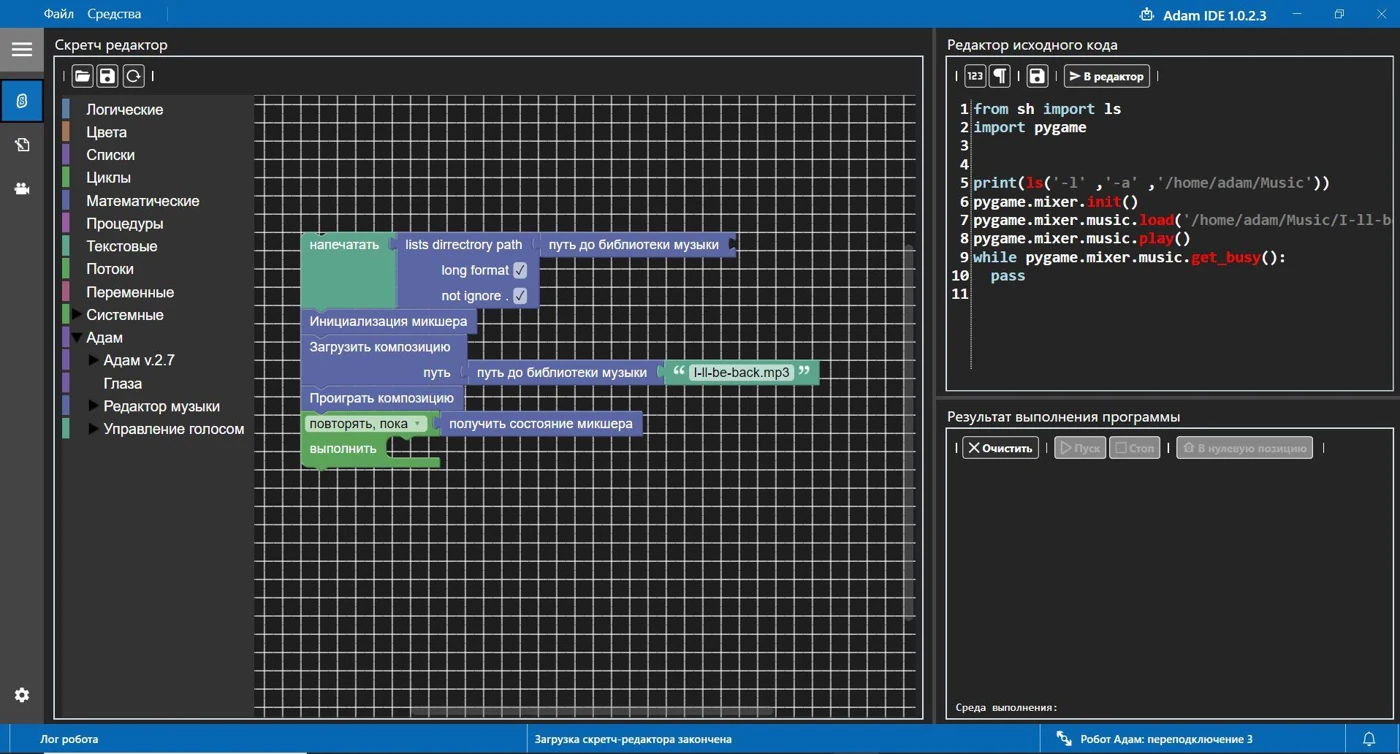
01 Programming environment
Our own learning environment for school and university students. From first algorithms in Blockly to text programs in Python, with results on a real robot.
02 Built-in web interface
Connect to ADAM from a browser on a desktop, laptop or smartphone, on any OS. All you need is a browser and network access to the robot.
Motion scenarios with sound can also be created in Blender 3D and sent to the robot over Wi-Fi. Playing these scenarios locally does not require internet access.
04 Hands-on preview
ADAM's web interface in demo mode.
Switch sections, change settings
and try the controls.
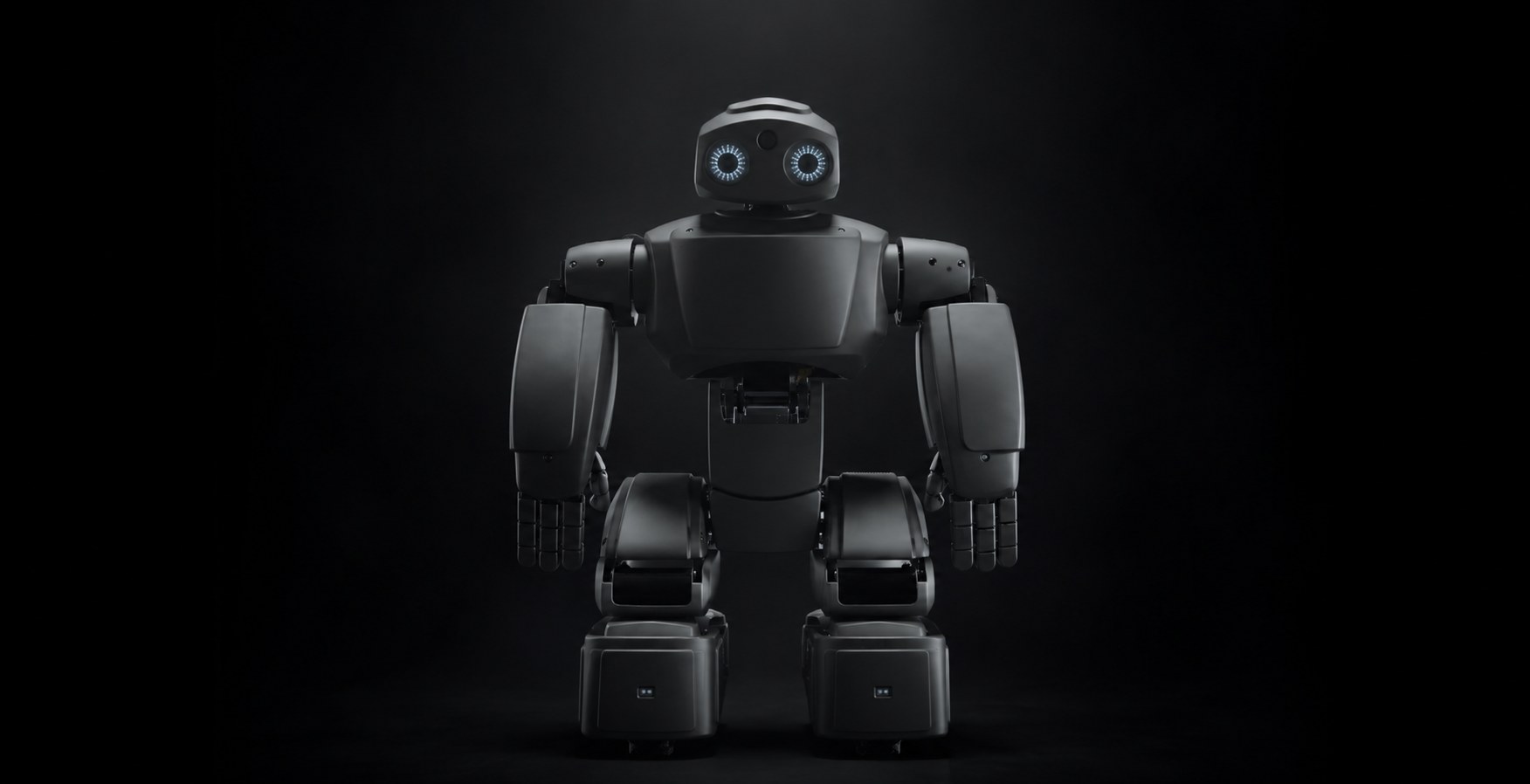
Built for interaction
05 For your use case
Choose where ADAM will work.
We'll show you how to use it
in your organization.
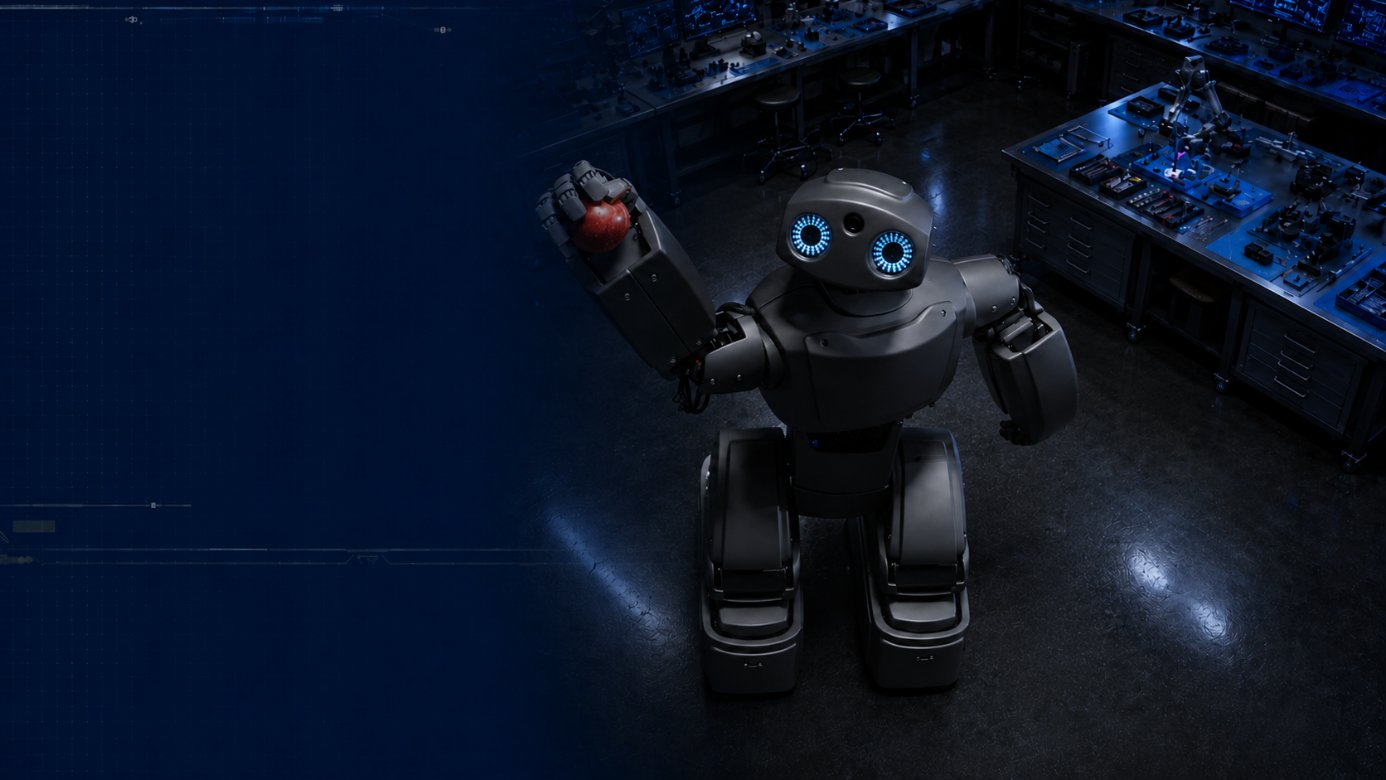
Learning by doing
Instead of a result that stays on the screen, a real robot moves. ADAM helps connect algorithms with physical action and builds a path from Blockly to Python.
From team to project
A platform for student projects, hands-on robot control and technology demonstrations. With ADAM, students explore how programming, mechanics and human interaction fit together.
A reason to stop and say hello
The robot moves, gestures and talks to guests. Together we'll choose a scenario for your exhibition stand, presentation, showroom or customer area.
06 In practice
A sample class project:
create the robot's greeting
for an open day.
How will ADAM greet guests? The team picks the words, the emotion and the welcome gesture.
Students assemble a sequence of commands in Blockly or work with Python code in AdamStudio.
They run the scenario, watch the result and refine it together with the teacher.
Teachers are never left alone with the equipment. We provide materials and instructions, run training and help online. The scope of support is set out in the proposal.
07 Trusted by
Vladivostok State University, Vladivostok
Kazan
Norilsk
Norilsk
Minsk, Belarus
Yagodnoye village secondary school
From universities to after-school education centers, we fit ADAM to your curriculum, projects and public demonstrations.

08 / Case study
VVSU
Vladivostok State University (VVSU) has purchased an ADAM robot.
At an exhibition, the robot talked to guests and demonstrated technology live. Visitors could see robotics in action and discuss it right there while getting to know the robot.
09 Technical specifications
| Platform | Broadcom BCM2711, 4-core Cortex-A72, 1.8 GHz; 8 GB LPDDR4 |
|---|---|
| Programming and software | AdamStudio (Blockly and Python), Blender 3D; built-in web interface |
| Control | Xbox 360 controller; Oculus / Meta Quest 2 and 3 VR system |
| Artificial intelligence | Russian GPT model, voice dialogue, configurable role and conversation scenarios |
| Device access | Desktop, laptop, smartphone; any OS with a browser and network access to the robot |
| Sensors | 9-axis MEMS sensor, 6 infrared distance sensors, microphone |
| Camera | 5 MP, 1/4″ CMOS, 130° diagonal field of view, 1080p sensor |
| Displays and sound | 2 × 1.28″ eye displays, 3.5″ TFT display, 2 speakers |
| Speech and multimedia | Text-to-speech and speech-to-text, audio files, GIF emotions |
| Movement and connectivity | Speed up to 30 cm/s, 2.4 GHz Wi-Fi |
| Dimensions | 550 × 450 × 300 mm |
| Operating conditions | Operating temperature +10 to +40 °C |
Data from the manufacturer's 2026 technical specification. Parameters and feature availability depend on the version. AI services and connection requirements are agreed before delivery.
10 Package and set-up
We agree the hardware, software and support before you buy. The proposal is built around your specific needs.
Hardware and software
A VR headset is not part of the standard package. Its supply is discussed separately.
Onboarding
Free software, a teacher's guide, team training, service and warranty support. The scope of support and delivery terms are set out in the commercial proposal.
11 How to buy
Start with a demo.
Buy once you've seen
a scenario that fits.
We discuss the audience, the venue and what the robot needs to do.
We show ADAM online in 15-20 minutes and answer your questions.
We prepare the configuration, price and delivery terms.
We hand over the equipment and agreed materials and train your team.
We use a Russian GPT model. It lets the robot communicate in natural language, answer questions and work in an assigned role. Context, speaking style and scenarios are configured for your organization. The cloud AI requires an internet connection.
AdamStudio is ADAM's own programming environment. Users start with Blockly visual blocks and move on to Python. The software comes with a teacher's guide and team training.
The built-in web interface works in a browser on a desktop, laptop or smartphone, on any OS. The device needs network access to the robot. Cloud AI features require internet access; local connection requirements are agreed at set-up.
Pricing is individual: it depends on the version, configuration, AI scenarios, training, support and delivery. Tell us about your needs and we'll prepare a commercial proposal. Prices are not published on the website.
Yes. You can start with visual programming in Blockly and then move on to Python. The curriculum is matched to the students' level, and we show both formats during the demo.
We run training, provide instructions and teaching materials, and help online after delivery. The scope of support and warranty terms are set out in the commercial proposal.
Yes. ADAM suits programming classes, project work, exhibitions, presentations and talking to visitors. Each format gets its own scenario.
The standard specification lists the robot and an Xbox 360 controller; a VR headset is not included. ADAM is compatible with Quest 2 and 3, and supply and set-up of a VR system can be discussed separately.
Connection requirements depend on the scenario. The Russian cloud GPT model requires internet access. Local scenarios controlled over Wi-Fi can run without the internet. Network requirements are confirmed when choosing the configuration.
Yes. We'll arrange a 15-20 minute online demo via Yandex Telemost (video call): we'll show what the robot can do and answer questions about your use case.
Next step: see it in action
Tell us about your goals. We'll choose a scenario, show you the robot and prepare a commercial proposal.